Monday, November 14, 2016

FREE SAMPLES OF BRANDED PRODUCTS (INDIA)

Daily new products are coming in market and everyone is trying to prove his product best. A lot of product are available for free samples so that customers can use it before purchasing. This is the best way to promote a product as people are always ready to buy something useful for free. So here is the way by which you can order free samples at your doorstep, without any delivery charges-

Step 1- 


Go to the website www.rewardme.in.


Step 2-


In the homepage you can see a column "Free Sample Free Delivery". Click on it. 


Step 3-


You will be asked to register yourself, you can register using facebook also. After the registration you will be redirected to free samples page.


Step 4- 


There you can see some products that are available to be ordered as free samples. Simply selected those you want to order.


Step 5-


You have to order minimum 3 products to get them as sample. Add samples to your basket and simply place your order.


Step 6-


Give your shipping address and valid mobile number. You will not asked to pay a single penny. The products will be delivered to you free of cost without any delivery charges.

Wednesday, November 2, 2016

SAVE YOUR ANDROID BATTERY LIFE

How to make your Android battery last longer


Today Smartphones are coming with gorgeous displays and amazing features which boost our smartphone performance and make it a complete hi-fi future tech. But no matter how advance your phone is, if its battery is weak it will affect the performance of your smartphone. 

More features means more battery drainage which requires strong battery. However the battery in a normal smartphone is not more than 2000 MaH and higher battery cost you money.

Some so called battery saving apps are available but they are not much effective they just block the memory of your device and itself consume battery. There methods of saving battery can be applied without these applications.

So today we are going to understand some methods by the help of which you can enhance your smartphone battery and add some extra minutes to its life.


1. BLACK WALLPAPER


If your phone has an AMOLED screen, use a dark-colored background. AMOLED screens illuminate the colored pixels. So more dark the pixel is, the less power is needed to light them up.


2. GOOGLE'S "OK GOOGLE" DETECTION


If your device is set to listen for "OK Google" all the time whether the app is open or not then it will drain more power. 

To stop it go to Google Setting>Search & Now>Voice> OK Google Detection. 

There you will two options. First option enables you to say ok google and search only when the app is open, & the second one enables your device to listen OK Google from any screen (doesn't matter the google app is open or not). It is better to disable both or at least the second one.


3.  AUTO BRIGHTNESS 


Auto brightness actually brights the screen more than we need which drains more power, it is better to manually set the brightness level.


4. CONNECTED 24/7


Turn off the GPS, Bluetooth, Mobile data, Wifi and Location when you are not using them.


5.GREENIFY


Greenify is not like other android application who claims to save battery.This is a small application with a rating of 4.4 on Play Store. It actually saves your device battery by hibernating the apps as a result of which they don't run in the background which not only saves battery but your RAM also.


6. UP-TO-DATE


Make sure the applications in your device are up to date because many of the updates optimizes there apps to use less battery, which is ultimately beneficial to you.


7.TURN OFF VIBRATION AND HAPTIC FEEDBACK


Haptick feedback is the vibration you feel while typing on the keyboard. Both vibration and haptick feedback can be disabled by going in your profile in settings. Sometimes vibration alerts are important so choose wisely.


8. WIDGETS


It is better to not add widgets on your home-screen especially those which requires internet connection like weather widget. Also these widgets requires continuous syncing and updating which ultimately drains your battery. 


9. AUTO SYNC 


Turn off the auto-synning for Google accounts as auto syncing updates your google account every 15 minute, just go to settings and google account and turn off auto-sync for those  apps you don't need to be constantly updated.


10. ANIMATION SCALE


The more animation your device perform, more the battery it consumes. 

Go to setting >  developer option. 

If you don't find the developer option then go to About phone > Build number, then tap on the build number 6 to 7 times and you will see the message that "you are a developer now". Now go to settings and you will find the "Developers option".

There scroll down and you will find some options like " Windows animation scale, Transition animation scale & Animator duration scale". Tap each of them and change there settings to "Animation off".

11. NETWORK SELECTION

LTE connection ie. 4G connection use more battery. So it is better to change the network selection to 3G or 2G (recommended) if you are not using 4G network

How to use to differnet social media and game account on same device

PARALLEL ACCOUNTS ON SAME DEVICE


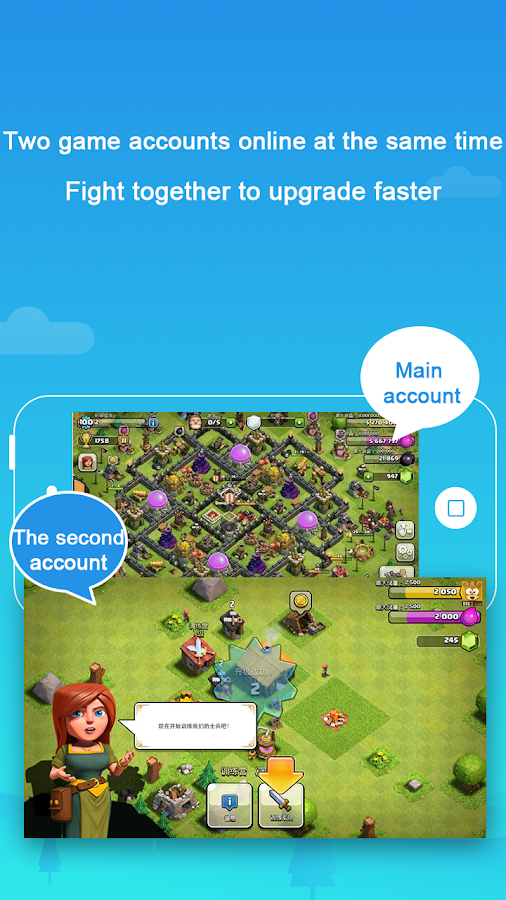
Many of us has two accounts of various social media, but it become quite difficult to run them simultaneously on same device. The same condition is for games, there are many online addictive games like clash of clans but using two different account on same device is not possible.

Some application are available for whatsapp which allows user to use to accounts at the same time but these software are subject to high risk as they are third party software and many of them are even banned by the Official Whatsapp.

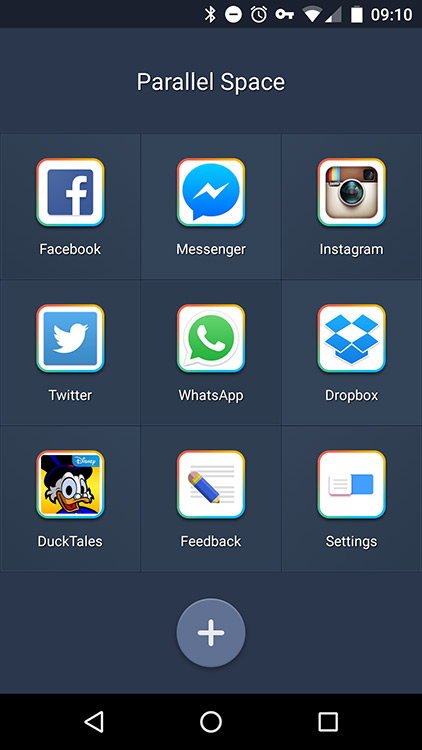
So today I am going to tell you about an Android application that allow you to create a parallel platform on your smartphone where you can run the same application and run two different accounts simultaneously.

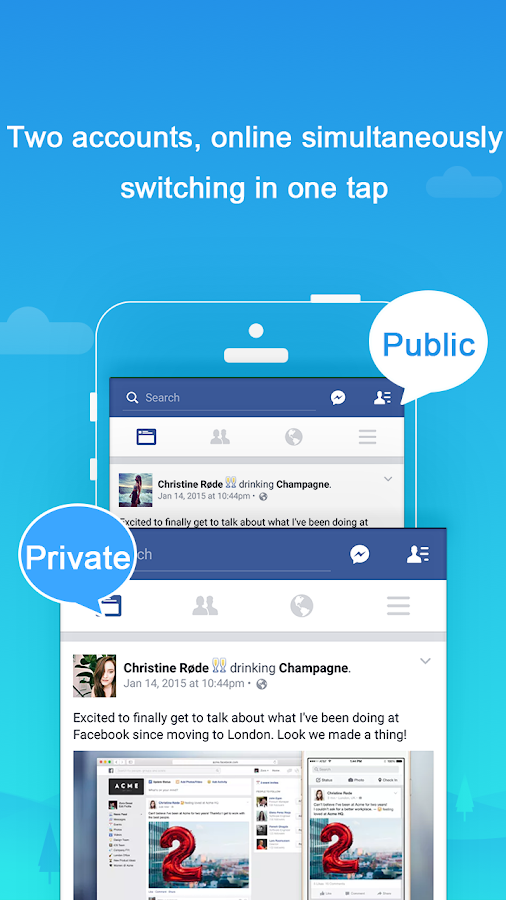
Using this application you can set your private account which no one can see and a public account which is seen to everyone

So lets jump right into it-

Step 1- 

Open your Playstore and download the app Parallel Space


Step 2-

Open the application and you will see the application will search for the apps install in your smartphone that you can use to run in a parallel space.


Step 3- 

Choose your app and Parallel space will create an alternate app for it with a different icon from original. In this app you can sign in with a different account.


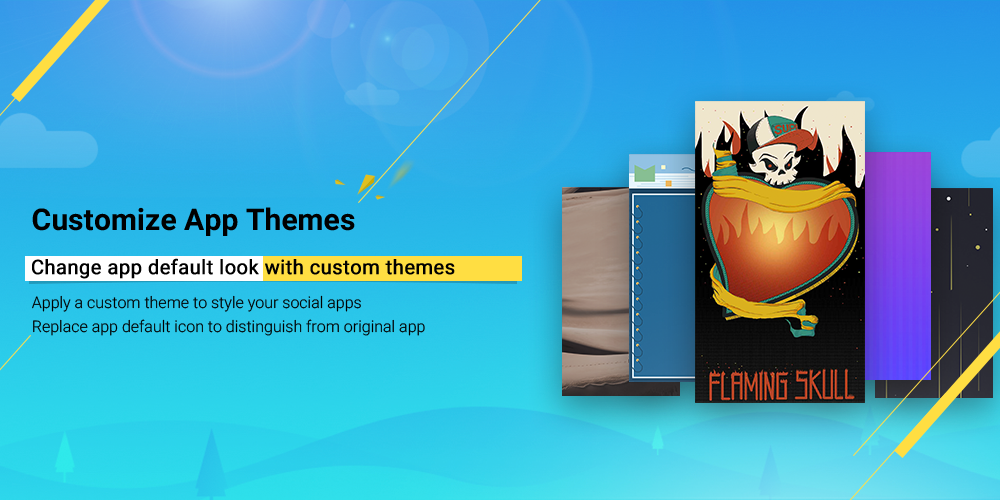
You can choose different themes for your parallel space application to distinguish it from the original one.


Thursday, October 27, 2016

Play Station Games for Smartphone and PC

How to play PSP games on Smartphone and PC.


Playstation games are very cool but as the name suggests we require Playstation to play them, but there is a trick by the help of which we can play those games over android and PC.

This is done by the help of emulators. emulators provide virtual environment for the games to run on different platforms like android or windows. So lets start-

Step 1-


Download the software called PPSSPP, this is our emulator available for both android, IOS and PC.

Click here for android

Click here for PC


Step 2-

You will the ISO files of the games which you can easily download from emuparadise.me. Just for your game and download it. If it is downloaded as zip then exact it to get ISO file.

STEP 3-


Open PPSSPP in your PC or Smartphone, you can see your storage there. Just go to the place where you have downloaded your ISO file and just open it.


 The game will be started.

Note-


In smartphone you will get touch controls on your screen where as on PC specific keyboard key can which use. A game controller can be used with PC or OTG supported smartphone to increase the rich gaming experience.


Monday, October 24, 2016

DAILY PAID PC, ANDROID & IOS SOFTWARE FOR FREE

A lot of software are very useful for daily purposes but many of them are not available for free or they have demo versions. But there is a method by the help of which you can get number of paid software daily for free not only for PC but for IOS and android too and it is completely legal. Just follow these steps-


Step 1- 


Go to the website "Giveawayoftheday.com"


Step 2-


On the homepage you will see the list of free PC software available for today with the timer which shows the time left to avail the offer. Below you can see the software available for IOS and Android. A different section for free games is also available at the top.


Step 3-


Click on "Proceed to download page" that you will find below the timer of the software.


Step 4-


Your download will be started as a zip file. After download open the zip file and extract it.


Step 5-


There you will find the setup up file and a txt file in which serial key is given. Just install the software and paste the serial key to register it.


For Android-

Open the software you want to download, it will redirect you to playstore. 

* If you are using PC then sign in to your google account the same which is running in your android smartphone

Click on Install and then select your device model (you will see it automatically)

Turn on your smartphone's internet and you will see your software starts downloading and get install as soon as it get downloaded.

Note- 


While downloading software for your PC you may have to verify your email and the downloading link will be sent to your email. 

Some of the software are self activating they get activated by giveawayoftheday when you finish installation.

Make sure you are connected to internet till its registration.

Wednesday, October 19, 2016

MAKE AN ANDROID APP

HOW TO MAKE AN ANDROID APP WITHOUT CODING 


Making an android app is pretty cool but as we all know that it requires a lot of coding. But what if I tell you that there is a method by which you can make your own android app without any coding. Sounds good, yes it is possible all you have to do is visit a site called APPSGEYSER. Lets start step by step-

STEP 1- 

Open appsgeyser.com in your browser.

STEP 2-

You will see a number of categories for your app ie. which type of app you want to make.


STEP 3-

Click on your preference and fill the details of your app. You can add custom icon for your app also. I recommend to google some nice online logo makers.


STEP 4- 

Click on create app and Sign up for the appsgeyser account or you can choose Facebook also to login. Your apk file will be downloaded then.

APPS CATEGORY OFFERED-


  • Website
  • Blog
  • Facebook page
  • Browser
  • Create e-book
  • Social app
  • Messenger app
  • Twitter
  • Games
  • Pages form any content
  • YouTube channel
  • Calculator
  • TV channel
  • Music player
  • Radio station
And many more exciting apps... Go try it now.

Tuesday, October 18, 2016

SMARTPHONE AS MOUSE, KEYBOARD, MUSIC CONTROLLER, GAME REMOTE ETC

HOW TO USE YOUR SMARTPHONE AS PC'S MOUSE OR TOUCHPAD AND MANY MORE


Today the expanding world of android software all the things that were seem to impossible are getting possible. In my last post I told you how to record the screen of your android smartphone, and today I am going to tell you how you can use your smartphone as the mouse or the touchpad of your laptop or PC.

This is so easy to do and requires hardly 15 min (depending upon the speed of your connection for downloading). So lets start-

STEP 1-


Go to your android Playstore or Apple Appstore and search for the software called "WIFI MOUSE" and install it in your smartphone.


STEP 2-

You have to download the server software for your Windows PC or Mac. It is hardly 600 kb.
Download for WINDOWS
Download for MAC

Install it in your PC.


STEP 3-

Now open the Wifi Hotspot of your smartphone and connect your laptop with it.

STEP 4-

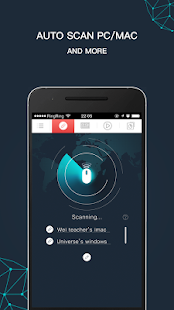
Now open the software on your smartphone and your PC, on your mobile screen you will see the software searching for your PC and then the name of your PC will pop up , just click on it and it is done!!!!! Enjoy your portable Mouse.


FEATURES OF WIFI MOUSE


* Use it as touchpad

* Use it as full QWERTY keyboard.

* Use it for controlling your PC music player.

* Use it as a virtual game controller.

* Use your PC software virtually over your smartphone.